
Save time
Stop Categorising Transactions One by One
Rules group similar transactions automatically so your cash flow table reflects how you actually think about money.
- Rules you define and edit
- Categories that match your life
- New uploads sorted automatically
- Minutes saved every month

Your logic
Rules You Control
Create rules that match transaction descriptions, amounts, or patterns and assign them to categories you define. Edit or remove rules anytime from the Modify Rules screen. You stay in control of how transactions are grouped.
Categories That Match Your Life
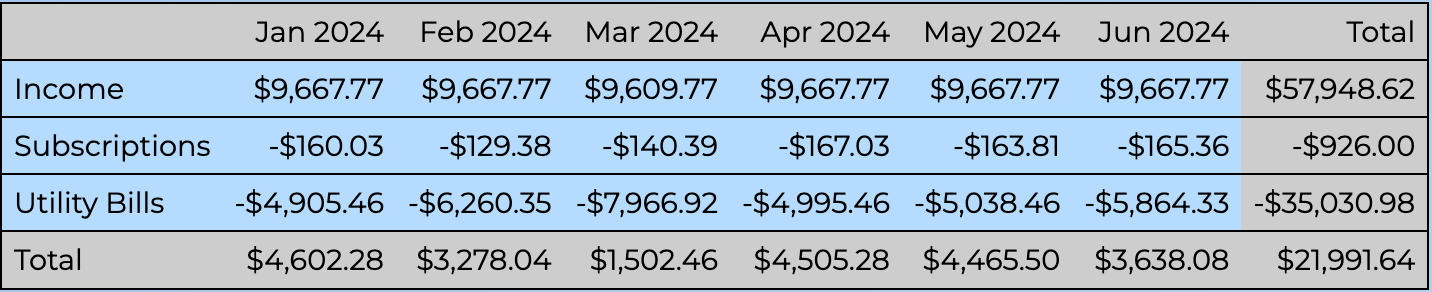
Rename, merge, and reorganise categories to match how you think about spending: holidays, work expenses, subscriptions, or household costs. Personal categories make the cash flow table meaningful to you, not a generic budget template.
The longer you look at the numbers, the more you'll want to tweak your categories. That's normal, and it's a couple of clicks from the Modify Categories screen.
Time Saved Every Month
Once rules are in place, new uploads categorise automatically. Your monthly check-in becomes reviewing the story the data tells, not re-tagging hundreds of rows in a spreadsheet.

Explore further
Related pages

Set Up Your First Rules
Try categorisation rules free for 28 days. No credit card required.
General information only, not personal financial advice. Read the FAQ